

Competitive gaming laptops live and die by consistency, not peak performance. That flashy benchmark score means nothing if your frame rate tanks during a clutch moment in Valorant, Marvel Rivals, Fortnite or CS2.
We’ve tested dozens of gaming laptops specifically for competitive play—tracking frame rate stability, input lag, and thermal performance during extended ranked sessions. This guide covers our top picks across different budgets and sizes, plus the specs and features that actually matter when milliseconds decide matches.
Top competitive gaming laptops in 2026 come equipped with NVIDIA RTX 50-series GPUs, displays running at 240Hz or higher, and processors from Intel’s Core Ultra or AMD’s Ryzen AI lineups. The Lenovo Legion 9 and Alienware Area-51m lead the pack for raw performance, while the Asus ROG Zephyrus G16 hits a sweet spot between power and portability. If you’re just getting into competitive gaming and watching your budget, the Lenovo LOQ 15 delivers solid frame rates without breaking the bank.
This guide covers the laptops we’ve actually tested for competitive play—where consistent frame rates and low input lag matter more than flashy graphics settings.
Quick List of the Best Competitive Gaming Laptops
- HP Omen Max 16: Best overall pick with excellent cooling that keeps performance steady
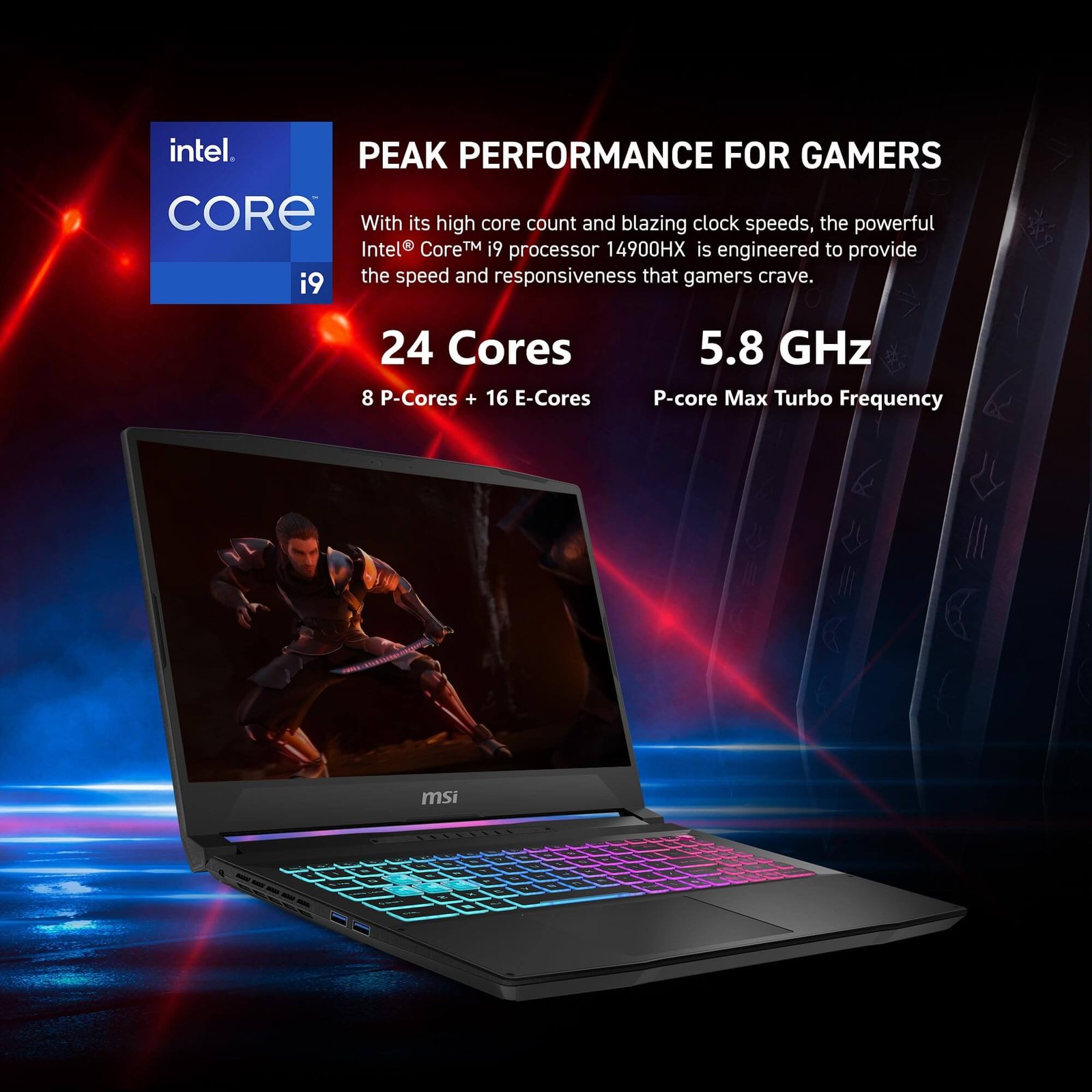
- MSI Katana 15 HX: Best budget option that still hits competitive frame rates
- Lenovo Legion 5: Best value—premium features without premium pricing
- Asus ROG Zephyrus G14: Best 14-inch for players who travel to tournaments
- Razer Blade 16: Best 16-inch with a gorgeous OLED display
- Asus ROG Strix Scar 18: Best desktop replacement when portability isn’t a concern
- MSI Raider A18 HX: Most powerful for streaming while you compete
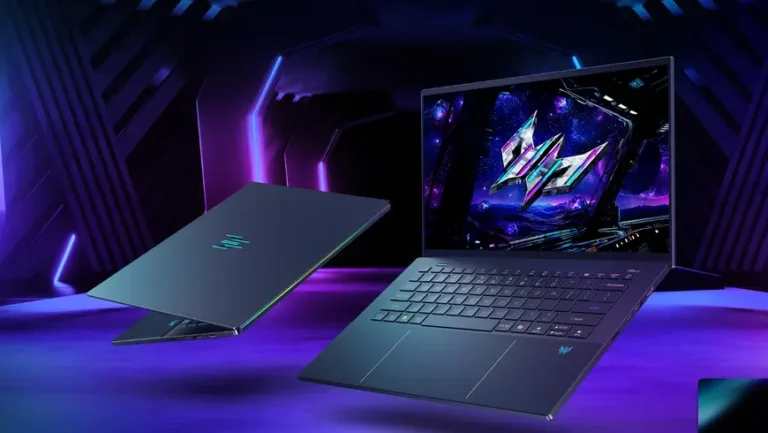
- Acer Predator Triton 14 AI: Best lightweight option for frequent flyers
What Makes a Gaming Laptop Good for Competitive Play
Here’s the thing about competitive gaming laptops: consistency beats peak performance every time. You’re not trying to max out Cyberpunk 2077—you’re trying to hold steady frame rates in Valorant or CS2 where one stutter can cost you a round.
High Refresh Rate Displays
Refresh rate tells you how many times per second your screen updates the image, measured in Hertz (Hz). A 144Hz display shows 144 new frames each second, while a 360Hz panel refreshes more than twice as fast. An NVIDIA study reported by PC Gamer found K/D ratios are 90% better at 180 fps versus 60 fps. Most competitive players find 240Hz hits the sweet spot, though the visual difference above 300Hz becomes pretty subtle for most people.
Low Input Lag Performance
Input lag is the delay between pressing a key and seeing that action appear on screen. This delay combines your system’s processing time, display response, and peripheral latency all rolled into one. Competitive laptops cut down on this delay by pairing fast GPUs with low-latency displays.
Consistent Frame Rates in Esports Titles
Games like Valorant, Apex Legends, and Rocket League run well on modest hardware. However, maintaining 240+ fps consistently—not just during quiet moments but in chaotic team fights—takes more horsepower than the minimum specs suggest.
Reliable Cooling for Extended Sessions
Thermal throttling happens when your laptop slows down to prevent overheating. During a five-game ranked session, laptops with weak cooling gradually lose performance as temperatures climb. The best competitive machines hold steady clock speeds throughout long play sessions.
Tournament Ready Portability
If you attend LAN events or travel for competition, weight matters. An 18-inch desktop replacement performs great but becomes a hassle to carry around. Many competitive players prefer 14-16 inch machines that balance screen size with actual portability, a trend reflected in thin-and-light gaming laptops now making up 37% of new product launches.
1. Best Overall Competitive Gaming Laptop
HP Omen Max 16
The HP Omen Max 16 takes our top spot because it combines strong performance with thermal management that actually works during extended sessions. Whether you’re grinding ranked or competing in tournaments, this machine handles both without breaking a sweat.
| Feature | Specification |
|---|---|
| Display | 16″ QHD 240Hz IPS |
| GPU | NVIDIA RTX 5080 |
| CPU | Intel Core Ultra 9 HX |
| Weight | 5.4 lbs |
Reasons to Buy
- Thermal design that works: Maintains boost clocks through long sessions without throttling down
- Fast 240Hz display: Quick response times with accurate colors for spotting enemies
- Reasonable weight: Light enough for LAN events while packing serious components
Reasons to Avoid
- High price tag: Costs quite a bit more than mid-range alternatives
- Audible fans: The cooling system gets loud when you’re pushing the hardware
- More power than esports titles require: If you only play Valorant, you’re paying for unused headroom
2. Best Budget Gaming Laptop for Competitive Play
MSI Katana 15 HX
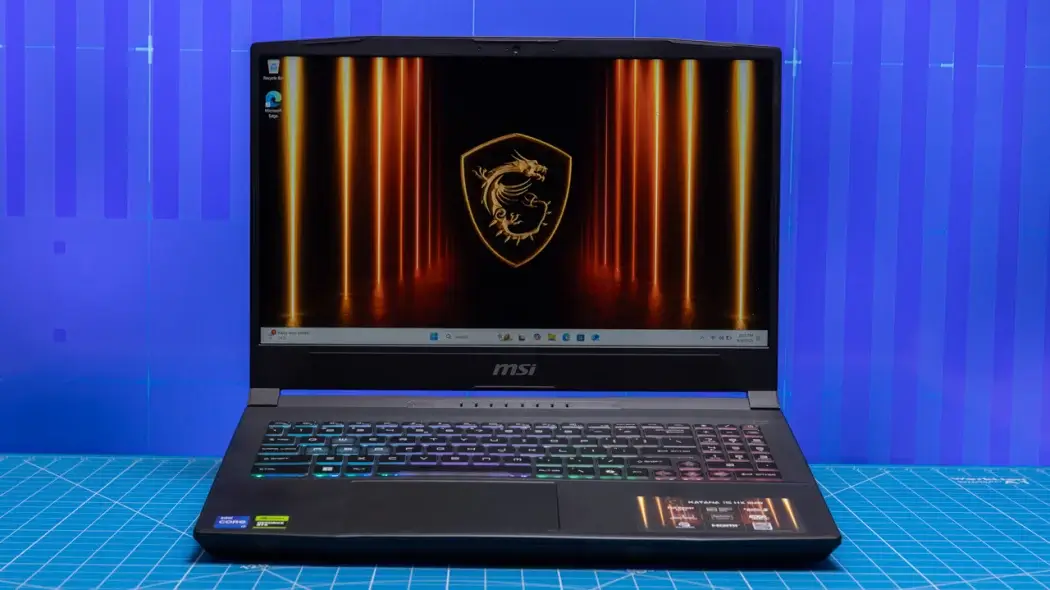
Going budget doesn’t mean giving up competitive performance. The MSI Katana 15 HX delivers the frame rates that matter in esports titles while leaving money in your pocket for peripherals.
| Feature | Specification |
|---|---|
| Display | 15.6″ FHD 144Hz |
| GPU | NVIDIA RTX 4060 |
| CPU | Intel Core i7-13620H |
| Weight | 5.1 lbs |
Reasons to Buy
- Hits competitive frame rates: Easily pushes past 200fps in most esports titles at competitive settings
- Wallet-friendly: Leaves budget for a quality mouse and headset
- Solid construction: Doesn’t feel cheap despite the lower price
Reasons to Avoid
- 144Hz ceiling: You’ll max out the display refresh rate in lighter games
- Plastic body: Less premium feel than pricier options
- Short battery life: Plan on staying plugged in during sessions
3. Best Value Gaming Laptop for Competitive Gamers
Lenovo Legion 5
Value is different from budget—this is about getting the most performance per dollar, not spending the least. The Legion 5 packs premium features at mid-range pricing.
| Feature | Specification |
|---|---|
| Display | 16″ WQXGA 240Hz |
| GPU | NVIDIA RTX 4070 |
| CPU | AMD Ryzen 7 7745HX |
| Weight | 5.3 lbs |
Reasons to Buy
- 240Hz display included: High refresh rate without the premium price
- Great keyboard: One of the better typing experiences in gaming laptops
- Effective cooling: Lenovo’s thermal system performs above its price class
Reasons to Avoid
- Subtle design: Lacks the aggressive gaming look some players want
- Not the lightest: Heavier than ultrabook-style options
4. Best 14 Inch Laptop for Competitive Gaming
Asus ROG Zephyrus G14
The 14-inch size represents peak portability for competitive gaming. You give up some screen real estate, but gain a machine that travels effortlessly to any tournament.
| Feature | Specification |
|---|---|
| Display | 14″ QHD+ 165Hz |
| GPU | NVIDIA RTX 4060 |
| CPU | AMD Ryzen 9 8945HS |
| Weight | 3.3 lbs |
Reasons to Buy
- Actually portable: Under 3.5 pounds makes this a genuine travel companion
- Premium aluminum build: Looks professional in any setting
- Solid battery life: Usable away from outlets between gaming sessions
Reasons to Avoid
- Smaller screen: 14 inches can feel cramped when spotting distant enemies
- Thermal limits: The thin chassis restricts sustained performance compared to larger machines
5. Best 16 Inch Laptop for Competitive Gaming
Razer Blade 16
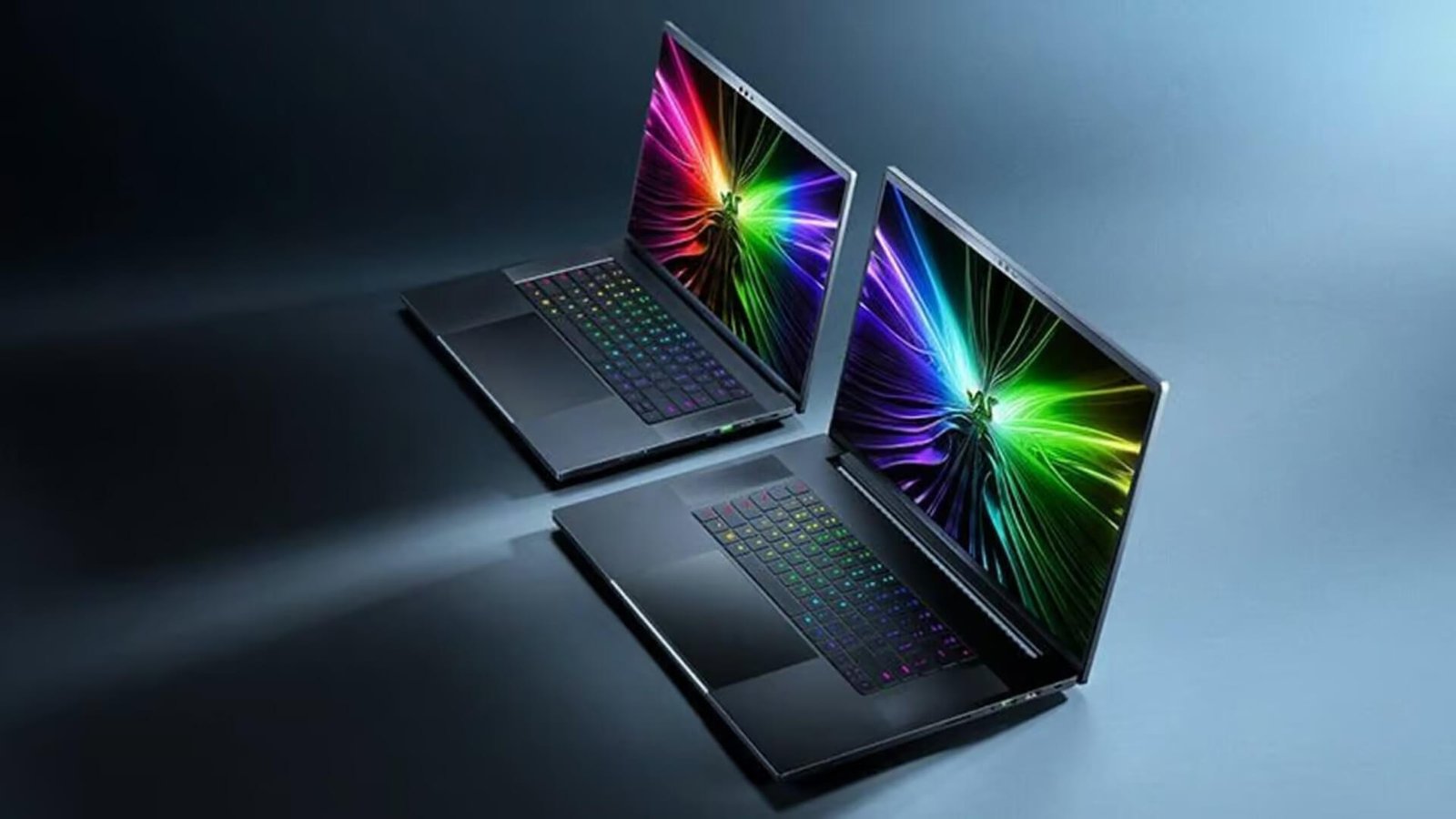
The 16-inch form factor offers enough screen for competitive visibility while staying portable. Razer’s Blade 16 sits at the premium end of this category.
| Feature | Specification |
|---|---|
| Display | 16″ QHD+ 240Hz OLED |
| GPU | NVIDIA RTX 5070 Ti |
| CPU | Intel Core Ultra 9 HX |
| Weight | 4.8 lbs |
Reasons to Buy
- Beautiful OLED display: Deep blacks and vibrant colors improve visual clarity
- Premium aluminum construction: Professional appearance that works anywhere
- Full port selection: Connect all your peripherals without adapters
Reasons to Avoid
- Razer premium: You pay extra for the brand and build quality
- OLED burn-in risk: Static HUD elements over thousands of hours could cause issues
6. Best 18 Inch Gaming Laptop for Desktop Replacement
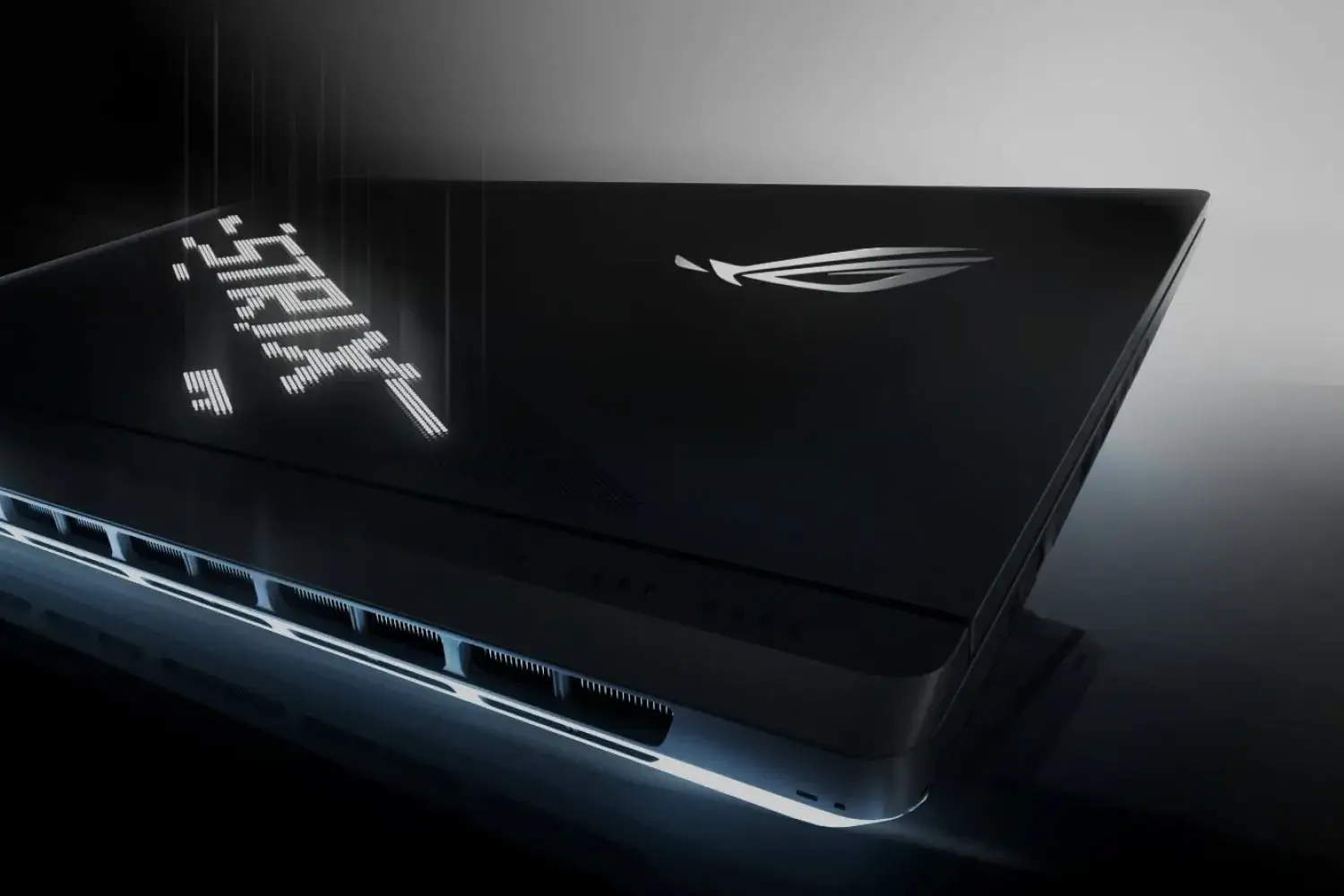
Asus ROG Strix Scar 18
When portability isn’t a priority, 18-inch machines deliver the closest experience to desktop gaming. The Scar 18 makes the most of this larger form factor.
| Feature | Specification |
|---|---|
| Display | 18″ QHD 240Hz |
| GPU | NVIDIA RTX 5080 |
| CPU | Intel Core Ultra 9 HX |
| Weight | 6.8 lbs |
Reasons to Buy
- Large display: Easier target acquisition and better peripheral vision
- Desktop-level cooling: Bigger chassis means better sustained performance
- Full keyboard layout: Includes numpad without cramping the main keys
Reasons to Avoid
- Heavy: Not practical for regular transport
- Needs desk space: Plan your setup around the size
7. Most Powerful Gaming Laptop for High End Competitive Play
MSI Raider A18 HX
For players who stream while competing or want zero performance compromises, the Raider A18 HX represents the current peak of laptop gaming power.
| Feature | Specification |
|---|---|
| Display | 18″ UHD+ 120Hz Mini-LED |
| GPU | NVIDIA RTX 5090 |
| CPU | Intel Core Ultra 9 HX |
| Weight | 7.2 lbs |
Reasons to Buy
- Maximum power: Handles streaming, recording, and gaming at the same time
- Future-proof specs: Will stay competitive for years
- No compromises: Every component is top-tier
Reasons to Avoid
- Extreme price: Costs more than many complete desktop setups
- Overkill for esports: Competitive titles don’t demand this much power
8. Best Lightweight Gaming Laptop for Esports Tournaments
Acer Predator Triton 14 AI
Tournament players who travel frequently benefit from machines built around portability without giving up competitive performance.
| Feature | Specification |
|---|---|
| Display | 14.5″ WQXGA 165Hz |
| GPU | NVIDIA RTX 4070 |
| CPU | Intel Core Ultra 9 |
| Weight | 3.5 lbs |
Reasons to Buy
- Travel-ready: Fits easily in backpacks and carry-on luggage
- Competitive performance: Still hits high frame rates in esports titles
- Modern ports: Thunderbolt 4 and USB-C throughout
Reasons to Avoid
- Thermal constraints: Thin design means some throttling under sustained load
- Smaller screen: You might prefer an external monitor for serious competition
How We Tested and Ranked These Gaming Laptops
Benchmark Testing in Esports Titles
We ran each laptop through Valorant, CS2, Apex Legends, Fortnite, and Rocket League at competitive settings—typically medium to low with frame rate priority. We tracked average fps, 1% lows (the worst frame rate dips), and frame time consistency.
Real World Competitive Gaming Performance
Beyond benchmarks, we played ranked matches on each machine to evaluate how they actually feel. Input responsiveness, display clarity during fast movement, and thermal behavior during extended sessions all factored into our rankings.
Thermal and Noise Evaluation
We monitored CPU and GPU temperatures throughout two-hour gaming sessions, noting any throttling. Fan noise levels were measured at idle, moderate load, and maximum performance.
What Specs Do You Need in a Competitive Gaming Laptop
Minimum Specs for Esports Games
| Component | Minimum Requirement |
|---|---|
| GPU | RTX 4050 or equivalent |
| CPU | Intel i5-13th gen / Ryzen 5 7000 |
| RAM | 16GB DDR5 |
| Storage | 512GB NVMe SSD |
Recommended Specs for High Refresh Gaming
To fully use a 240Hz display, an RTX 4070 or better paired with a current-generation CPU works well. 32GB RAM provides headroom for streaming or background applications.
Future Proofing Your Gaming Notebook
GPU matters most for longevity. A laptop with a stronger graphics card and modest CPU will age better than the reverse, since esports titles are CPU-light but benefit from GPU headroom.
Which GPU Is Best for Competitive Gaming Laptops
NVIDIA RTX 40 Series for Gaming Laptops
The RTX 4060 through 4090 remain solid choices, with the RTX 4060 becoming the most popular GPU on Steam, often available at reduced prices as the 50-series launches. For pure competitive gaming, an RTX 4070 handles any esports title at maximum refresh rates.
NVIDIA RTX 50 Series for Gaming Laptops
The newest generation offers improved efficiency, though competitive players rarely use ray tracing anyway. The main benefit is higher sustained performance through better power management.
Best Graphics Card for Frames Per Dollar
The RTX 4070 currently offers the best competitive gaming value—powerful enough for 240fps in esports titles without the premium of higher-tier cards.
Display Features That Matter for Competitive Gaming
Refresh Rate Requirements for Esports
| Refresh Rate | Best For | Competitive Advantage |
|---|---|---|
| 144Hz | Entry competitive | Clear improvement over 60Hz |
| 240Hz | Serious ranked play | Smoother tracking, less blur |
| 360Hz+ | Professional level | Small gains, mostly preference |
Response Time and Input Lag Explained
Response time measures how quickly pixels change color—typically 1-5ms on gaming panels. Input lag covers the entire chain from keypress to screen update. Both matter, but input lag affects competitive performance more directly.
Best Panel Types for Competitive Play
- IPS panels: Good color accuracy and viewing angles, most common in competitive laptops
- VA panels: Better contrast but slower response times, less ideal for fast games
- OLED panels: Perfect blacks and instant response, though static HUD elements could cause burn-in over time
Keyboards and Inputs for Competitive Gaming Laptops
Key Rollover and Anti Ghosting Features
Key rollover determines how many simultaneous keypresses register correctly—N-key rollover means unlimited inputs at once. Anti-ghosting prevents false inputs when pressing multiple keys, which matters for complex movement combinations in competitive games.
Actuation Distance and Travel
Actuation distance is how far you press before the keypress registers. Shorter actuation means faster inputs. Most gaming laptops feature 1.5-2mm travel, while some premium models offer adjustable actuation.
Mechanical vs Membrane Gaming Keyboards
- Mechanical keyboards: Tactile feedback and consistent actuation, found in premium gaming laptops
- Membrane keyboards: Quieter and lighter, standard in most laptops but with less precise feel
How to Build Your Competitive Gaming Laptop Setup
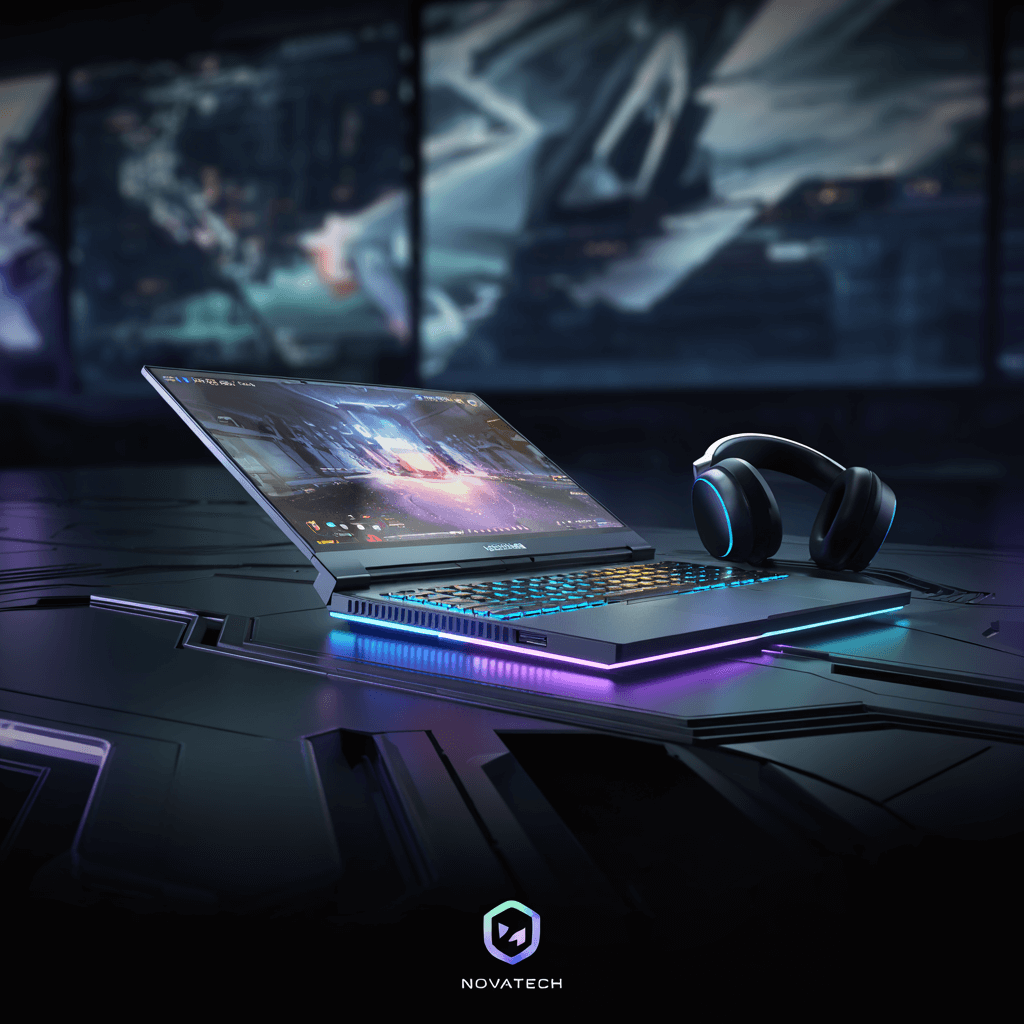
Once you’ve picked your laptop, putting together the right gaming setup makes a real difference in competitive performance. For inspiration on complete gaming setups, check it out at Ruler.gg where the community shares tournament-ready configurations.
Essential Accessories for Competitive Play
- External gaming mouse: Laptop trackpads lack the precision for competitive aiming
- Gaming headset: Audio positioning gives you crucial information about enemy locations
- Laptop cooling pad: Helps maintain performance during long ranked sessions
External Monitor and Peripheral Pairings
Many competitive players use their laptop display for practice but connect to external monitors for serious competition. A dedicated 240Hz+ monitor paired with your laptop’s GPU gives you the best of both worlds—and plenty of room to build a dedicated gaming station around it.
Creating a Tournament Ready Gaming Station
Consider a portable setup that travels with you—compact mouse, lightweight headset, and a small cooling pad. The Ruler community features numerous portable competitive setups worth browsing for ideas.
Frequently Asked Questions About Competitive Gaming Laptops
Modern high-end gaming laptops come close to desktop performance in esports titles. Desktops still hold advantages in cooling and upgradability, but the gap has narrowed considerably. Most competitive players benefit from 240Hz displays. Returns diminish above that threshold—professional players often prefer 360Hz, but the difference is subtle for most people. Competitive players typically aim for under 10ms total system latency. Modern gaming laptops with high-refresh displays and current GPUs hit this target comfortably. For practice and travel, laptop screens work fine. For serious competition at home, an external monitor often provides better ergonomics and potentially higher refresh rates. Esports titles have modest requirements compared to AAA games. A mid-range competitive laptop typically stays viable for 4-5 years in popular esports titles. Asus ROG, Lenovo Legion, MSI, and Razer consistently produce reliable competitive gaming laptops with solid support and regular driver updates. Most tournaments allow personal laptops, though major events often provide standardized equipment. Check specific tournament rules before traveling with your machine.💻 Can a gaming laptop match desktop performance for esports?
💻 What refresh rate do competitive gamers actually need?
💻 How much input lag is acceptable for competitive gaming?
💻 Should competitive players use the laptop screen or an external monitor?
💻 How long will a competitive gaming laptop remain viable for esports?
💻 Which gaming notebook brands are most reliable for competitive players?
💻 Are gaming laptops allowed at esports tournaments?


